The most-liked old school control panel, which was used in older versions of Windows, is hidden deep within the Windows 11 operating system; most old school people like to use it because it’s faster to navigate, so how do we find and open it?
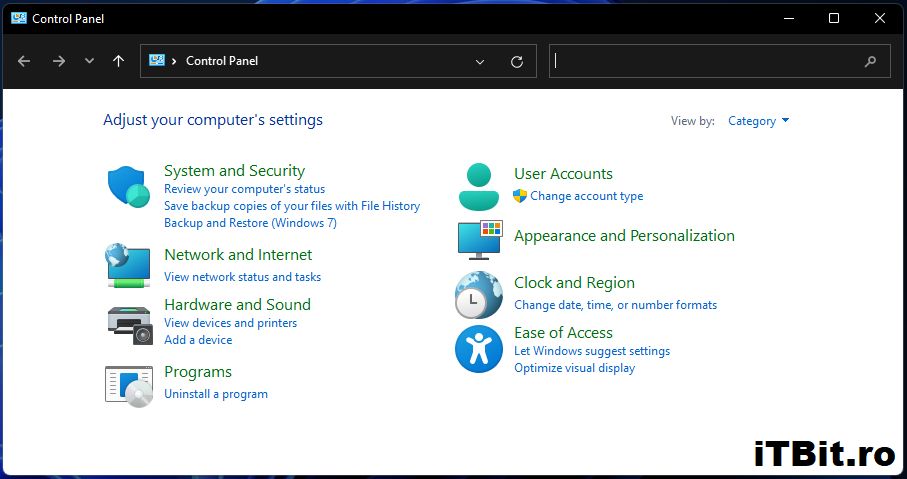
We can use two very easy ways to open it, so we will start with the first one.
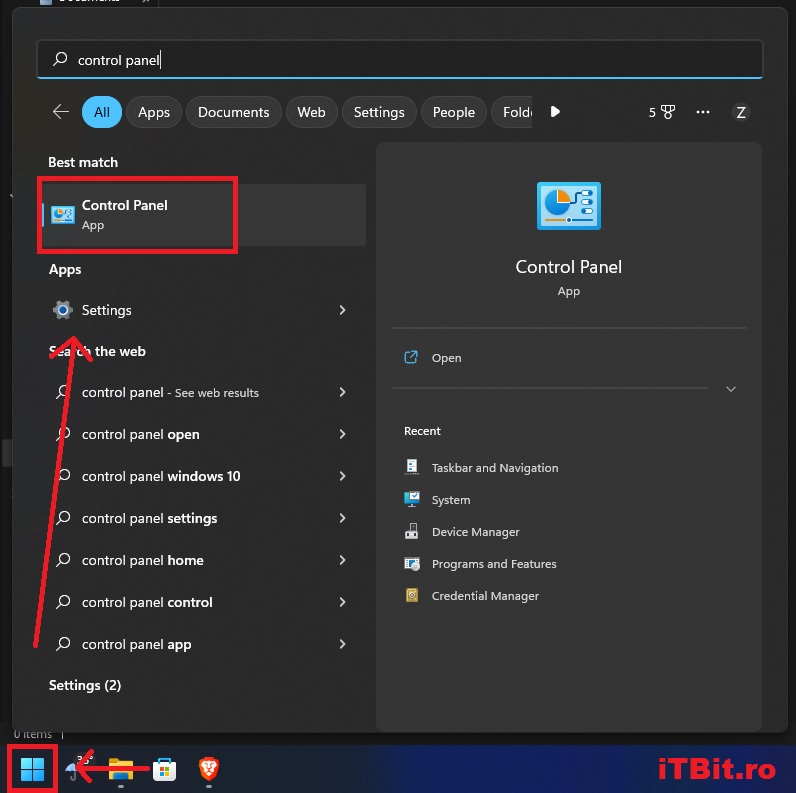
1. The first way to open the old Control Panel is to press the Start button, which we can find in the lower-left corner of the screen. After we press it, we simply type “Control Panel” and click on the result, which will open for us the old Control Panel.
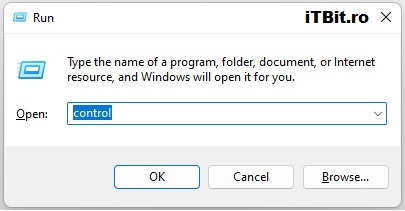
2. The second way to open the old Control Panel is to simultaneously press the combination of keys “Windows Key” + “R“, thus opening the Run command, where we will type “Control” and press the Ok button or press the enter key on the keyboard to open the classic Control Panel.